
Wi-Fi
Wi-Fi access
- Wi-Fi network
PHI- Password
05632Usseln
Instructions
- 1
Step 1
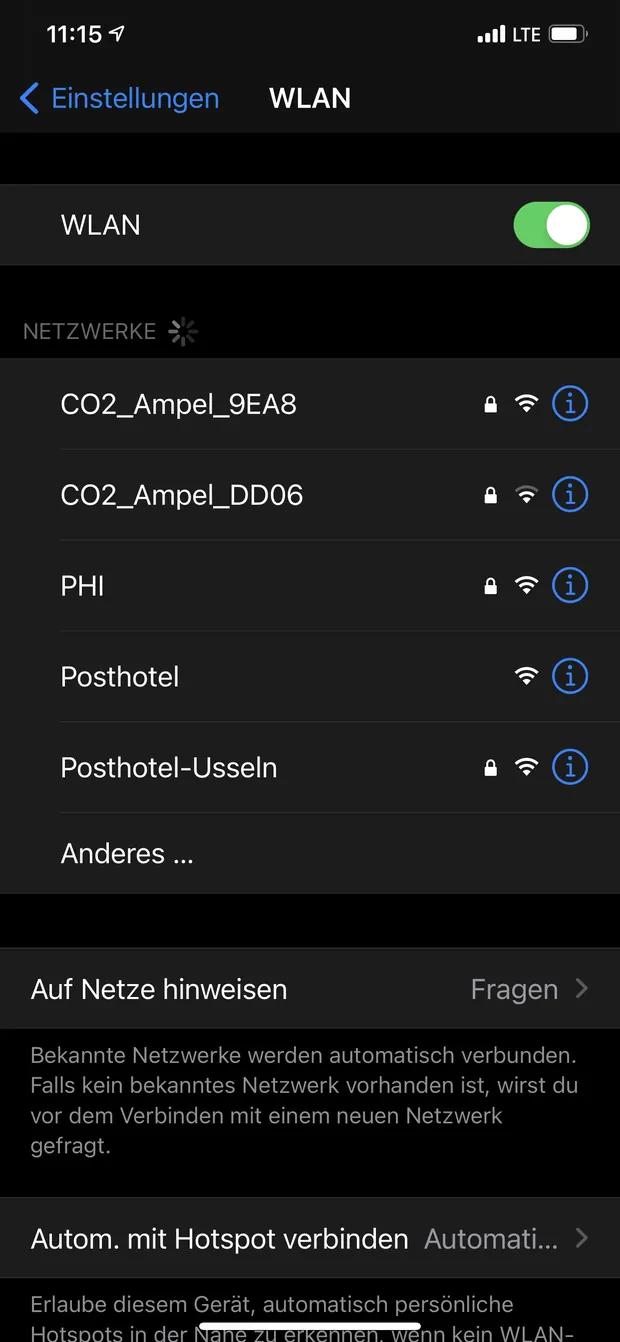
Open the settings on your mobile phone and go to Wi-Fi.
- 2
Step 2
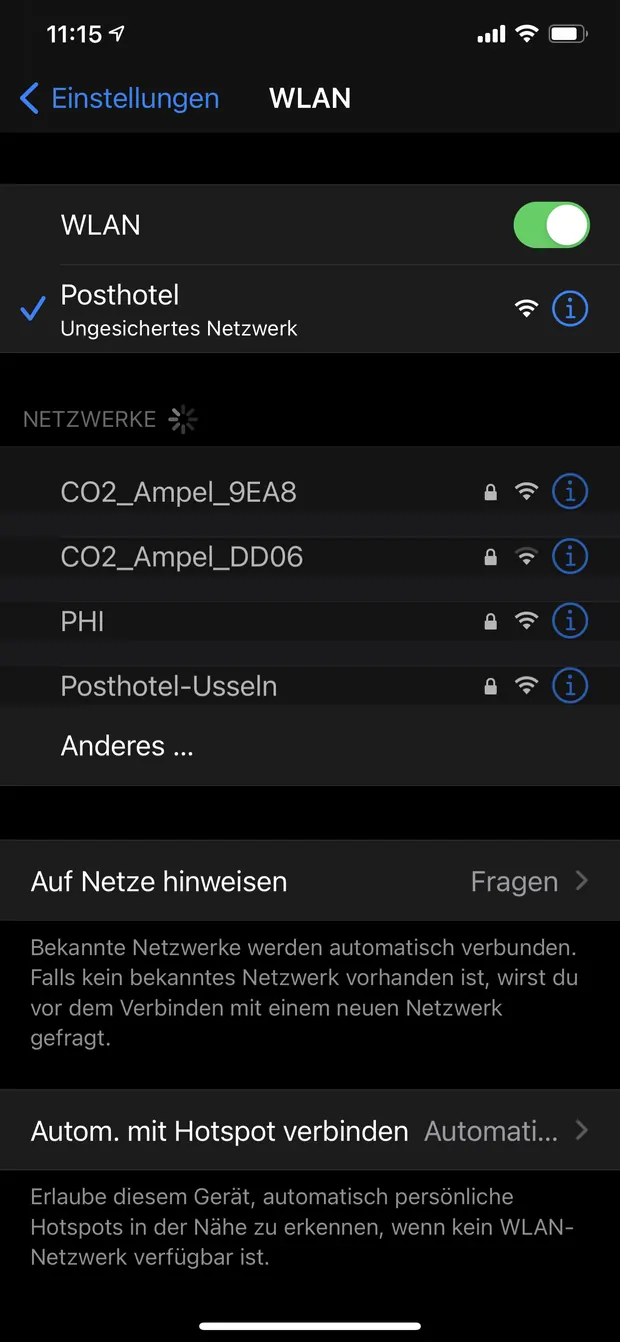
Select the Wi-Fi network named “PHI”.
- 3
Step 3
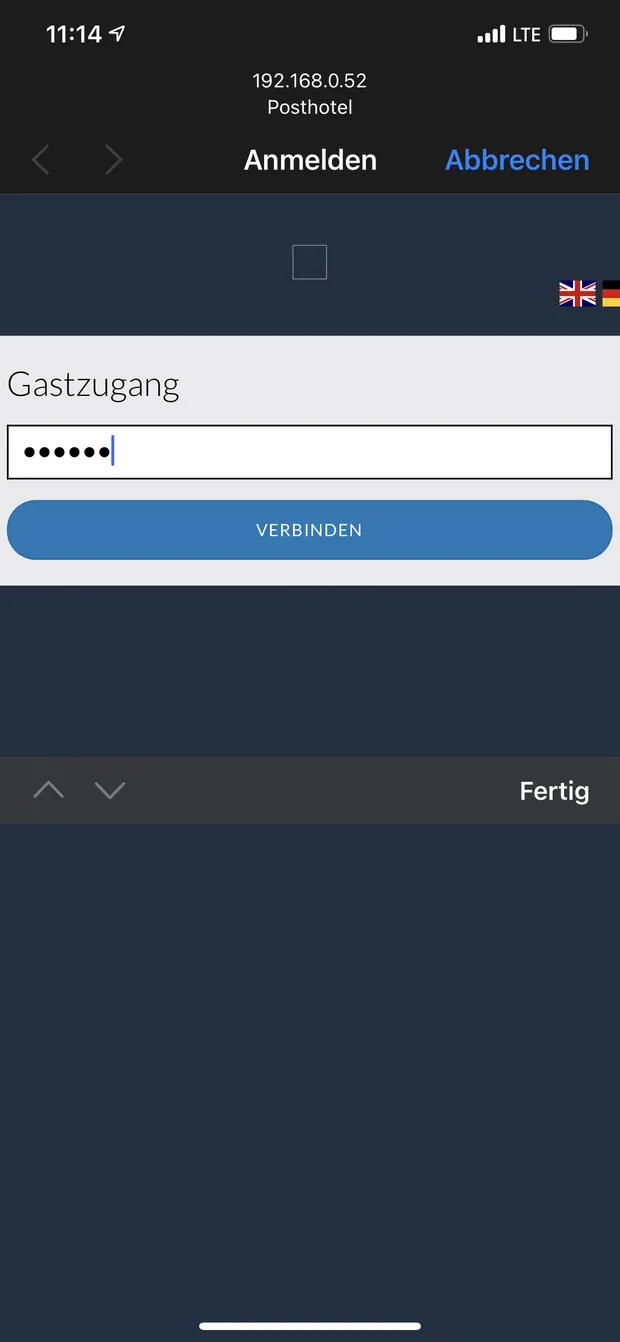
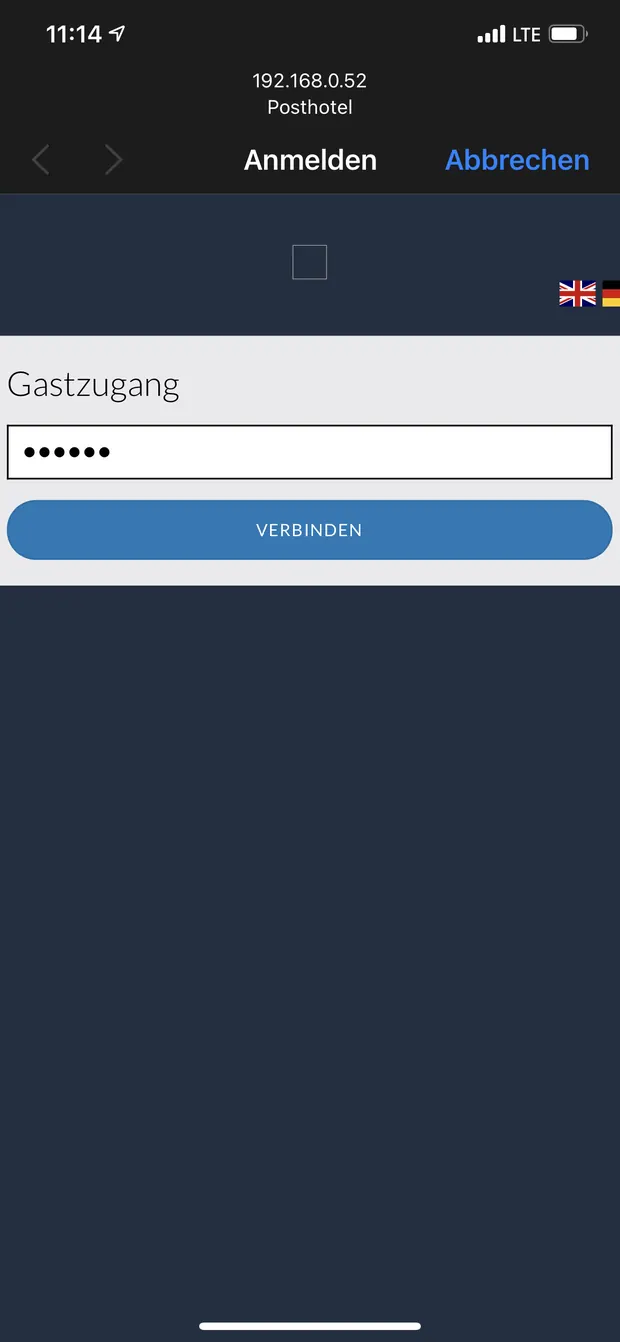
A window will then open that looks roughly like this. When you see such a window, tap the white field under guest access and enter 05632Usseln.
- 4
Step 4
Now tap “Connect”. You should now be connected to the Wi-Fi.